
Show Apple Pay, Google Pay, PayPal, Amazon Pay and other express buttons at the top of your SellKit checkout, so returning and mobile shoppers can pay without typing an address or card number.
Express checkout is part of SellKit Pro · from $59/yr · 30-day money-back guarantee
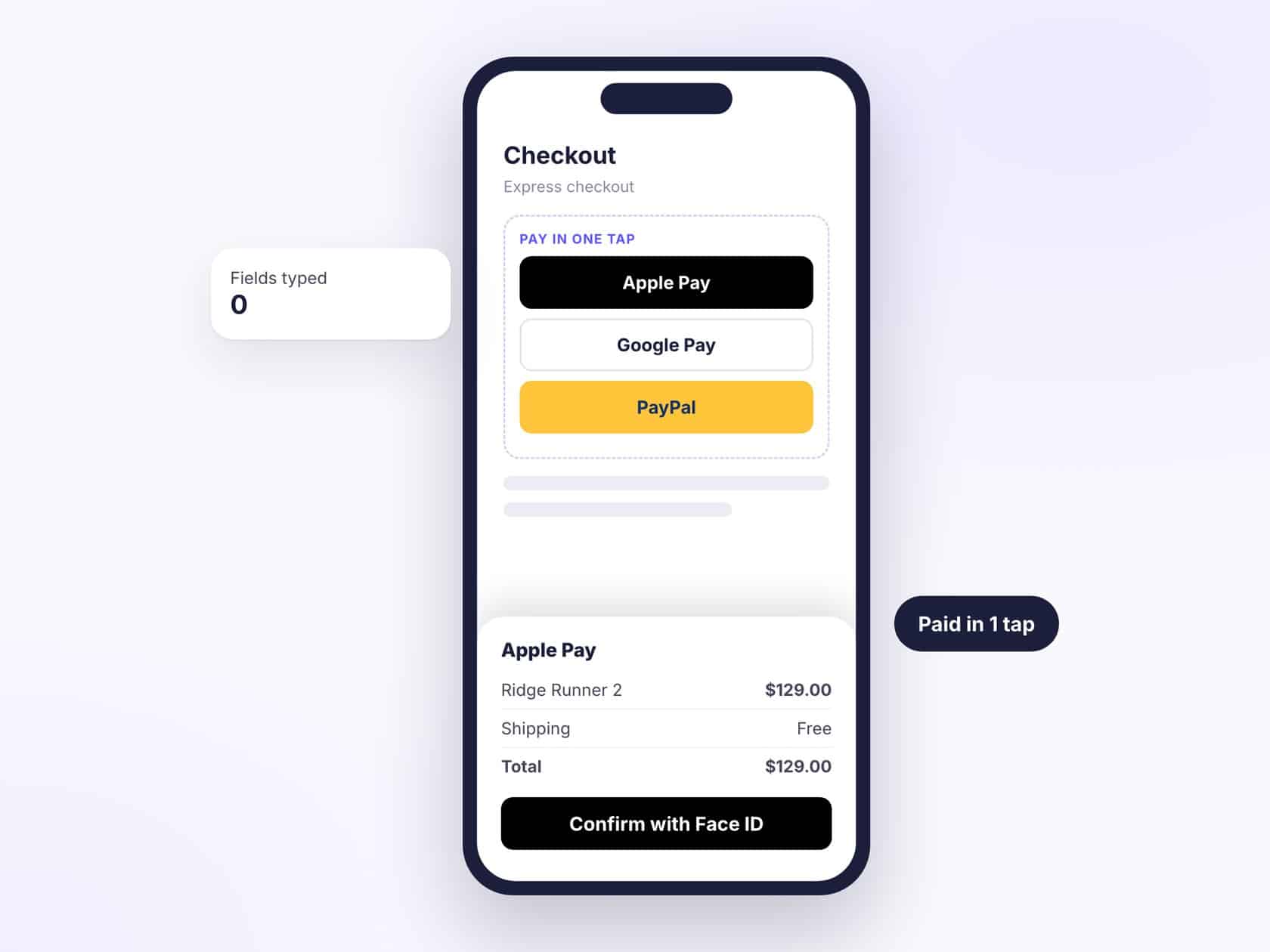
Wallet buttons send the name, address and payment details for the shopper, which is where most mobile checkouts stall.
SellKit shows the express buttons of the payment plugins you already use: the official WooCommerce Stripe Gateway, Payment Plugins' Stripe and Braintree, PayPal for WooCommerce (Angell EYE), Amazon Pay and Klarna Checkout.
Express checkout works in SellKit's Elementor checkout and, since version 2.5, in the block editor checkout too.
Combine it with skip cart, address autocomplete, auto-filled state and inline validation for a checkout with less friction.
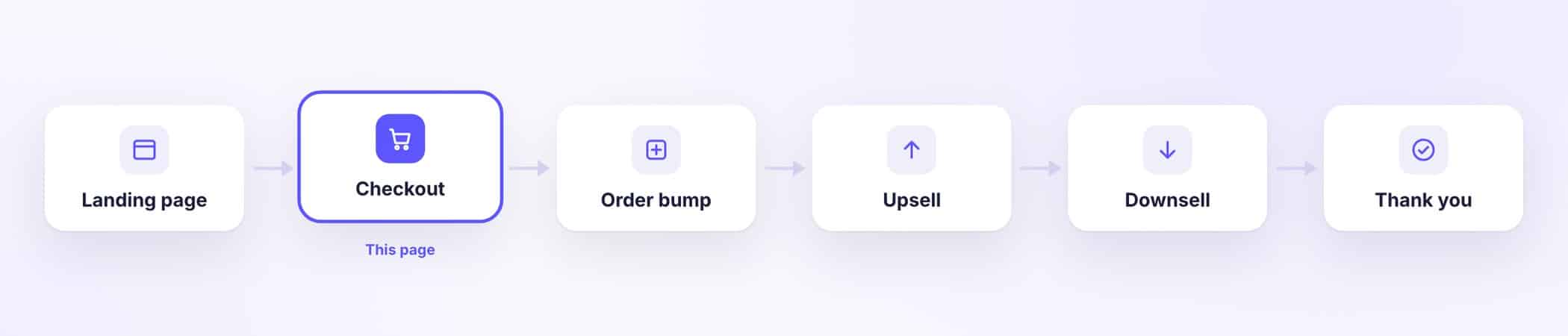
Install and set up a gateway plugin with express payments, such as the official WooCommerce Stripe Gateway, and turn on Apple Pay or Google Pay there.
Use a SellKit checkout template in a funnel, or swap it in as your store's global checkout.
With SellKit Pro active, enable Express Checkout in the checkout widget's settings. The buttons appear above the form.
Wallet buttons only show on devices and browsers that support them, so check on iOS Safari and Android Chrome.
Step-by-step guides with screenshots are in the SellKit help center.
No. Express checkout is a SellKit Pro feature (Standard $59/yr for one site, Pro $99/yr for unlimited sites). The free version includes the checkout builder, order bumps and one-click upsells. The express buttons themselves come from your payment gateway plugin, which may have its own requirements.
SellKit integrates with the express payment buttons of the official WooCommerce Stripe Gateway, Payment Plugins' Stripe for WooCommerce and Braintree for WooCommerce, PayPal for WooCommerce by Angell EYE, Amazon Pay and Klarna Checkout. Apple Pay and Google Pay come through the gateway you use.
Apple Pay only shows in Safari on Apple devices with a card in Wallet, and your domain has to be verified in the gateway's settings. Google Pay needs Chrome with a saved card.
SellKit 2.5 added express checkout support in the block editor, so it works on SellKit's block checkout as well as the Elementor one.