
Right after the order, show a related offer on its own page. If the shopper says yes, it's added with one click using the payment method they just used. If they say no, show a downsell instead.
Free on WordPress.org · Pro from $99/yr for unlimited sites · 30-day money-back guarantee
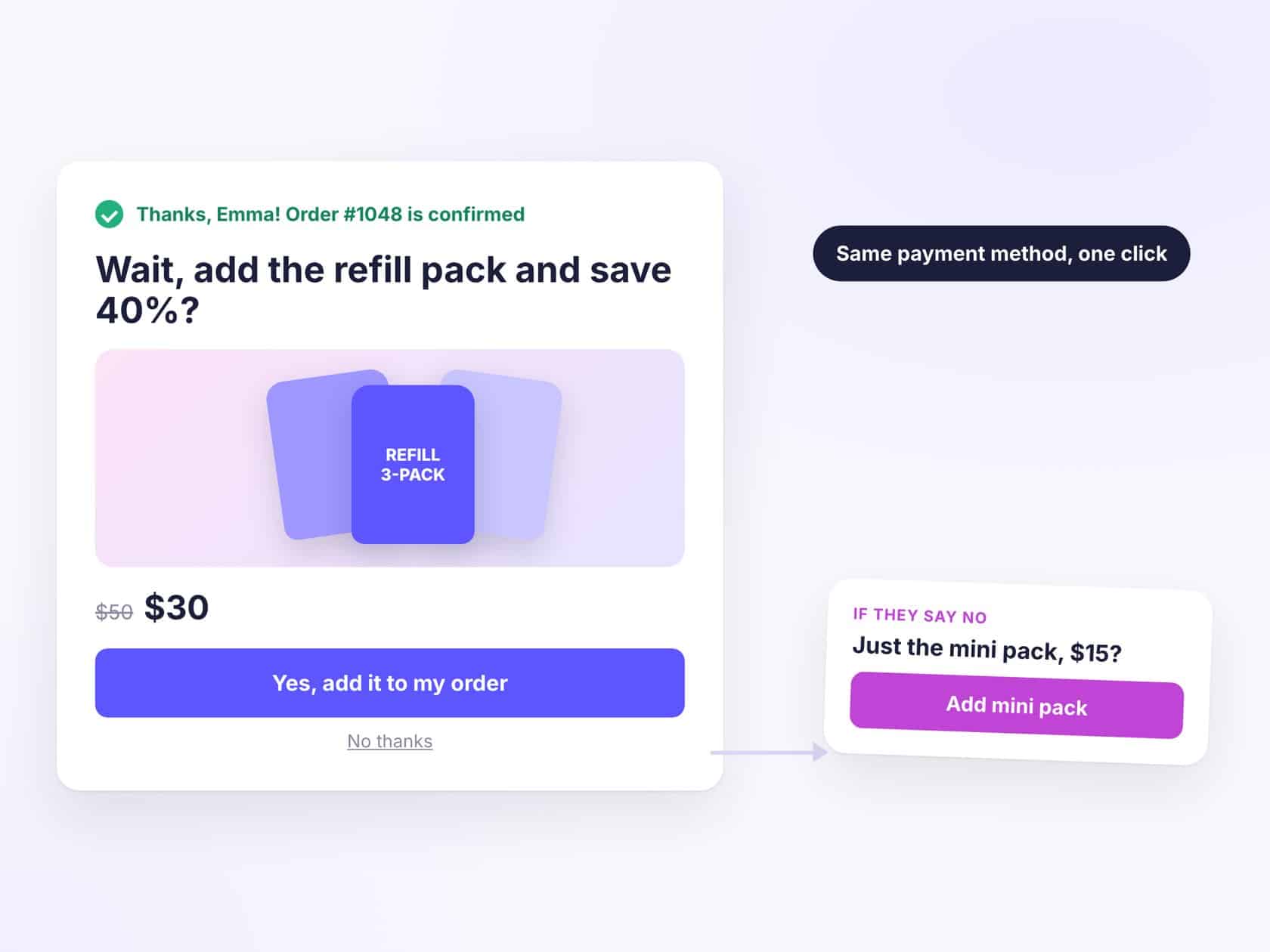
The shopper has already paid, so an upgrade or a complementary product feels like a bonus, not a hurdle.
Accepting an offer uses the payment method from the main order, so there's no second checkout form.
Route a rejected upsell to a lighter, cheaper offer, and branch the funnel by the shopper's answer.
One-click upsells and downsells are in SellKit's free version, with ready-made upsell page templates.
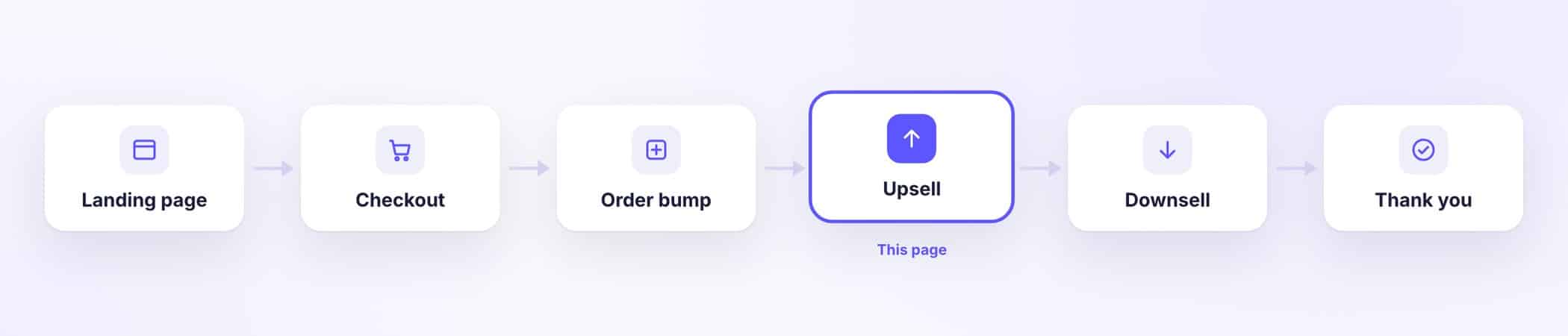
In your funnel, add an Upsell step after the checkout. Choose a ready-made template or design your own page.
Pick one or more products, the quantity and the discount, as a percentage or a fixed amount.
Set whether an accepted upsell is added to the main order or replaces it.
Connect the 'No thanks' path to a Downsell step with a lighter offer, then finish with your thank-you page.
Step-by-step guides with screenshots are in the SellKit help center.
It's an offer shown right after checkout. The shopper accepts it with one button, and the charge goes through on the payment method they just used, without entering card details again.
The upsell is charged through the main order's payment gateway. Gateways that can charge a saved payment method give the true one-click experience. Test your gateway on a staging site, and see the SellKit help center for setup notes.
An upsell offers more or better (an upgrade, a bundle). A downsell is shown when the upsell is declined and offers something smaller or cheaper, so the shopper still has a yes option.
Yes. Upsell and downsell steps are part of SellKit's free version. Pro adds advanced targeting, premium templates and advanced analytics.