
Replace the plain order-received page with one that confirms the order clearly, greets the customer by name and tells them what happens next.
Free on WordPress.org · Pro from $99/yr for unlimited sites · 30-day money-back guarantee
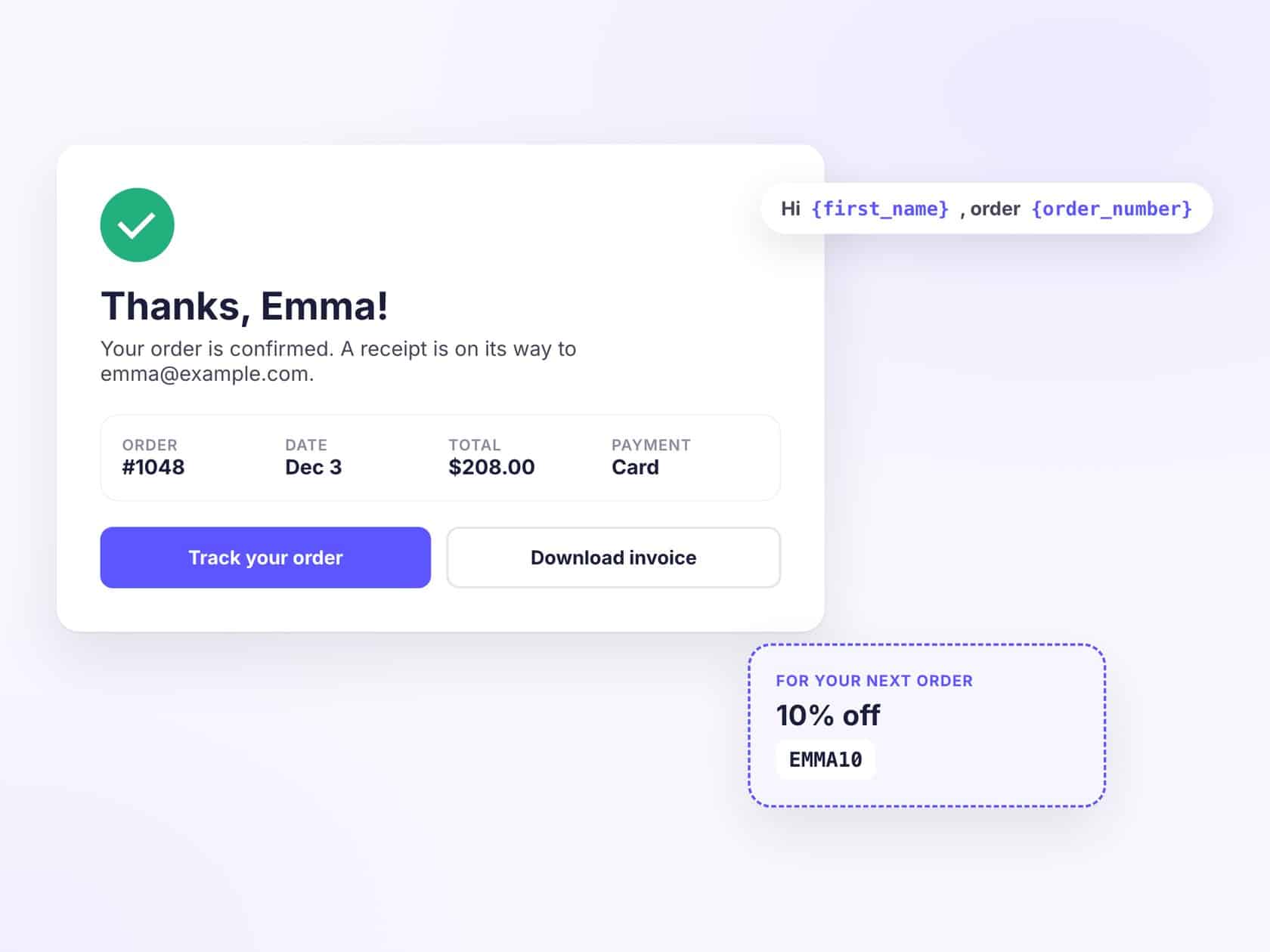
The Order Details widget shows the order number, date, total, payment method and more, styled to match your brand.
Dynamic keywords insert the customer's first name, email, order total, shipping method and other order data into any text.
Point customers to onboarding, downloads or their account, and in Pro show a personalized coupon for the next order.
Each funnel ends with its own thank-you step, so a course buyer and a coffee buyer see different pages.
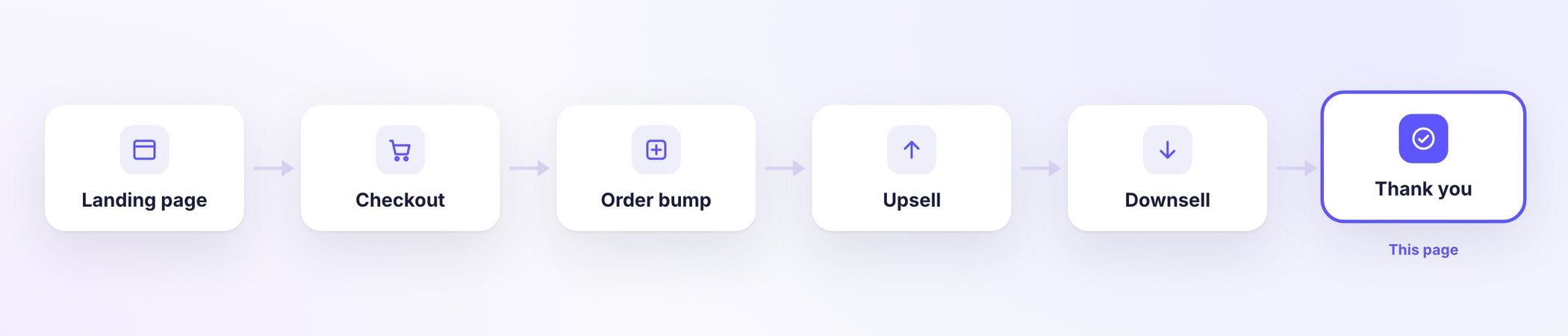
Every SellKit funnel ends with a Thank You step. Open it to edit the page.
Pick a ready-made thank-you template, or build your own with Elementor or the block editor.
Drop in the Order Details and order cart details widgets, and use dynamic keywords in headings and text.
Swap in a SellKit global checkout to use your custom thank-you page for regular store orders too.
Step-by-step guides with screenshots are in the SellKit help center.
With SellKit, add a Thank You step to your funnel and design it with a template in Elementor or the block editor. Add the Order Details widget and dynamic keywords for the customer's name and order data. For a code-based approach, see our tutorial on artbees.net.
Yes. Each SellKit funnel has its own thank-you step, so you can build product-specific checkouts that each end on their own page.
Yes. Custom thank-you pages are included in SellKit's free version. Personalized coupons on the thank-you page need Pro.
Yes. The Order Details widget shows the order number, date, total and payment method, and dynamic keywords can add any other order field to your text.